
Chippewa Arrests in 24 Hours
Chippewa County posts no official page with a "last 24 hours" filter. No "last 48 hours" option exists either. The closest substitute is the county's Inmate Roster. That PDF lists people currently in custody. It gets refreshed on business days, Monday through Friday, with no updates on weekends or holidays. The county cautions about timing. Anyone booked or released after the file was posted will not appear in it. No fixed daily posting time is given.
So a same-day arrest search takes patience. Start by checking the date on the PDF. Then scan for the name and note the custody type listed beside it. If the arrest happened after the roster was posted, phone the Chippewa County Jail at 715-726-7704 or the Sheriff's Office at 715-726-7701. Ask who is in custody right now. Even then, limits apply. Policy, privacy, and safety rules can restrict what staff will say over the phone.
Treat the roster as a delayed snapshot rather than a live stream of arrests from the past 24 hours. A name missing from it does not prove that no arrest took place in Chippewa County.
Check Chippewa Arrests Today
Bookmark the county landing page instead of a saved PDF, since the Document Center file can be swapped out and an old copy may mislead you. Both desktop and mobile PDF viewers include a Find tool, though phone users sometimes must download the file first. Searching a surname beats flipping through every page.
- Open the official roster page and read its update warning.
- Open the Current Inmate Listing PDF and record the visible date.
- Use Find for the surname, then inspect all similar names and IDs.
- Read the booking date and booking type before interpreting the entry.
- Check offense lines, bond, and scheduled release as time-sensitive fields.
- If the person is absent and the arrest was recent, call the jail and check VINE.
For the full record and booking-photo request paths, see the county recent-arrests hub. Here the aim is simpler: whether Chippewa County's current public sources place a person in custody within a single day.
Chippewa Same-Day Roster Fields
The PDF lists booking basics, nothing more. A booking date marks intake, not the moment of the arrest itself. Bond shown is the current setting, not proof anyone paid it. Release dates shift, and placeholders appear now and then.
| Field | What the official PDF supports |
|---|---|
| Name | Uppercase listed name, generally surname first |
| Numeric ID | Roster identifier shown in parentheses |
| Age | Displayed age for secondary identity comparison |
| Booking date | Listed intake or custody date |
| Booking type | Custody Arrest, Sentenced, Monitoring, Housed Out, or Boarder |
| Offense and class | Charge language and Wisconsin code information |
| Bond | Condition shown on an offense line where applicable |
| Scheduled release | Date, time, or placeholder requiring confirmation |
| Photo | Not shown |
There is no arresting-agency field, court date, or full narrative. For those details, turn to the police report or the court file.
Why Chippewa Arrest Posts Lag
Fresh custody data never reaches the public instantly. Transport may still be underway. Intake takes time. Deputies verify identity, log property, run screening and classification, and enter the record. Then the Chippewa County roster waits for the next regular posting. No cutoff, hourly refresh, or weekend update is promised anywhere in the official notice.
Friday night, weekend, and holiday arrests leave the widest gaps. Someone can already sit in the jail. The public PDF still reflects the last business day. The reverse happens too. A person released after posting stays listed until the file updates. Verify directly before drawing any conclusion from the PDF alone. The county roster notice spells out these same-day limits.
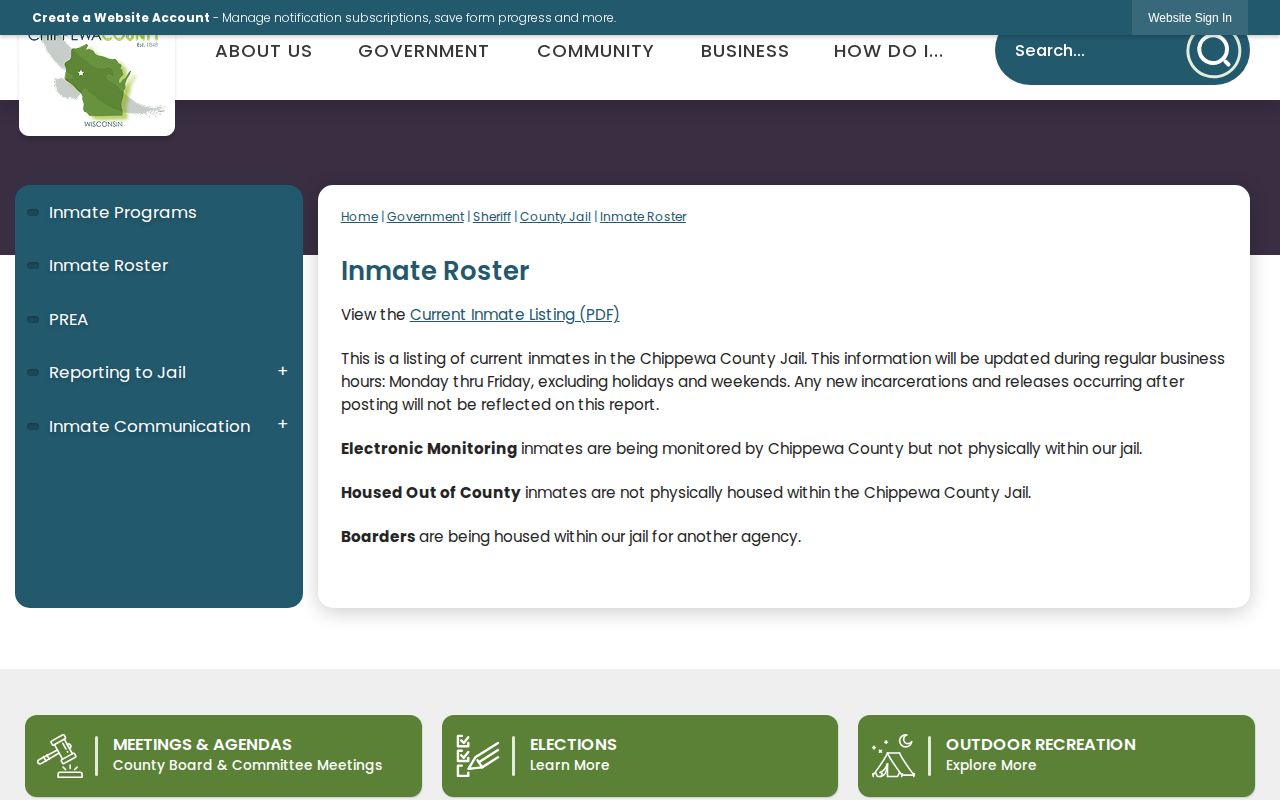
Business-day publishing and post-publication changes both shape any same-day arrest search in Chippewa County.
Chippewa Custody Types Matter
A name on the Chippewa County roster is not always a new arrest. The custody label tells the real story. "Custody Arrest" is the closest thing to a fresh booking. "Sentenced" usually means a court outcome, not a same-day event. Electronic Monitoring means county supervision outside the jail walls. Housed Out of County puts the person in another facility. Boarders are held here for some other agency. Read the label beside the booking date. That keeps you from drawing the wrong conclusion about a Chippewa County arrest that never happened that day.
One caution on dates. A search filtered by booking date can still blend several custody states into one list. If the question is where someone is physically held, confirm it directly. The public PDF does not list a housing unit.
Note: The roster's word "current" describes the posted list, not proof that each line came from an arrest in the last day.
Sheriff App Arrest Check
The official Chippewa County Sheriff app bundles offender searches with sheriff news and tips. It also adds road closures, weather, and other community tools. Chippewa Falls even points residents to the county roster or the app for jail information. That makes it a legitimate official path for checking who was arrested in Chippewa County.
Its store description promises no live photo feed. It also promises no faster updates. Treat the app as a convenient navigation layer. Match anything it shows against the dated county record. That matters most when the arrest is only a few hours old.
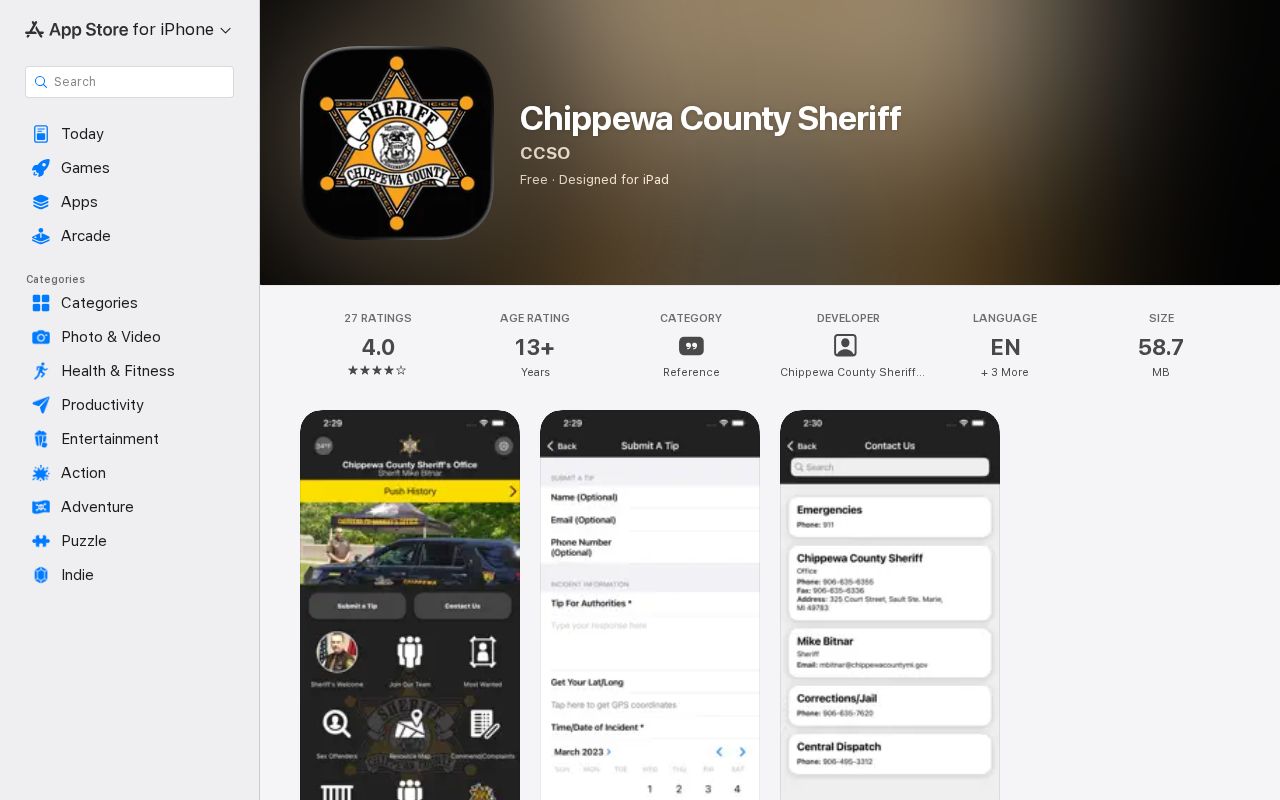
The App Store listing names the official Chippewa County Sheriff app without promising real-time offender data.
Confirm a Chippewa Arrest
When the roster runs behind, work a short fallback chain. Call the jail first for current custody. VINELink can also show county-jail custody, though it lags or returns nothing after a transfer. Ask the sheriff for the booking record when you need a document. The arresting police agency holds the incident report.
The VINELink Check page walks through searches and alerts. The multi-day Arrest Log covers the sheriff's incident log. A media log may list the call behind a Chippewa arrest. But it cannot confirm that a booking happened or that the person is still in custody.
Include the full name, date, approximate time, agency, roster ID, and case number if known. Name the item you want. That could be an intake record, release event, incident report, or booking photo. Wisconsin requires a response as soon as practicable and without delay. No fixed number of days applies statewide.
Chippewa Arrest Charges Are Accusations
The roster repeats the offense language tied to custody. It does not say whether a prosecutor later filed, amended, declined, or dismissed the charge. No trial result appears there either. Once a case is filed, WCCA/CCAP and the Clerk of Courts carry it forward.
Clerk of Courts records show how a Chippewa case ended.
A booking, a release, and any court outcome can land on different dates in different systems. The same-day question is custody alone.