
Chippewa County VINE Coverage
The Wisconsin DOC VINE County Jails page describes a statewide service built around local law enforcement. It hands out custody information. It also sends automated phone or email notices when an inmate's status changes in a participating county jail. The Chippewa County Sheriff's official page links VINE/VPO. That backs VINE as a local custody tool for Chippewa County.
The roster and VINE do different jobs. The roster is a county-posted business-day snapshot. VINE is a status and notification system fed by participating custody data. Neither promises that a newly arrived person shows up instantly. Neither replaces a police incident report.
The state's official VINE program page documents both phone and online enrollment.
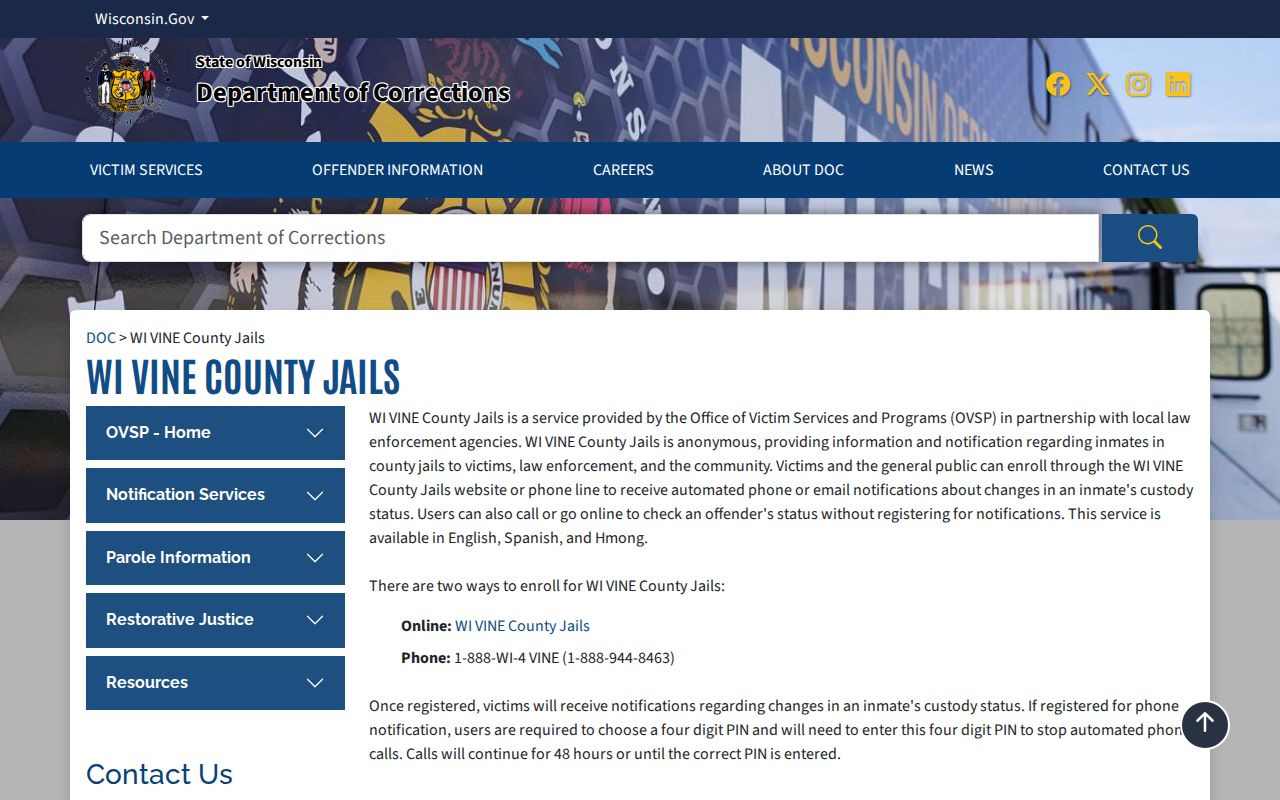
The program capture explains the statewide service without exposing private registration details.
Search a Chippewa Arrest on VINELink
Start at the live VINELink interface and pick Wisconsin. Then choose the county-jail or custody search the current screen offers. Labels and routes change over time. Trust the live controls rather than a saved query. The service may offer a name or offender ID field. Use it to narrow the arrest search.
- Open VINELink and select Wisconsin.
- Choose the current custody search for the relevant agency or county-jail system.
- Enter the person’s name carefully, including alternate spellings if supported.
- Use an identifier when known to reduce common-name matches.
- Compare facility, agency, custody status, and any updated time.
- Contact the jail if the result is missing, ambiguous, or urgent.
A blank result can mean several things. The spelling may differ. The booking record may not have arrived yet. A release or transfer may have changed the outcome, or the person may sit in a custody system outside the county-jail deployment. An empty screen never proves that no arrest occurred.
Chippewa VINELink Result Fields
The display varies. Still, the result describes custody, not the underlying incident. Read every identifier available before assuming a common-name result is the right person. If VINELink shows a "last updated" time, save it, since custody can change after that point.
| Result item | How to interpret it |
|---|---|
| Name | Starting identity field; confirm with other details |
| Offender or booking ID | Stronger match when known |
| Custody status | Status reported through the participating source |
| Agency or facility | Responsible custody source at the displayed stage |
| Status event | Release, transfer, or other covered change when shown |
| Updated time | Freshness marker, not a future guarantee |
| Photo or narrative | Not the purpose of Wisconsin VINE |
VINELink does not supply a final criminal judgment. A custody change can occur before charging, during a pending case, after bond, or after transfer, so check WCCA/CCAP for the public court path.
Register for Wisconsin Custody Alerts
Registration is optional for a basic check. Once you locate a covered record, use the registration control to sign up for notifications. The service may ask for a phone number or email. You also choose an alert preference. Never enter another person's contact details without authorization, and keep your PIN private.
- Open the correct custody record.
- Select Register for Notification or the current equivalent.
- Choose an available phone or email method.
- Enter the required contact information accurately.
- Create or record the four-digit PIN used for phone alerts.
- Follow the confirmation instructions and test settings if the interface offers that option.
Wisconsin DOC uses a four-digit PIN to stop phone notifications. Calls can keep coming for up to 48 hours, or until the correct PIN is entered. That design helps an important change get noticed. It also makes secure PIN storage essential.
Wisconsin VINE Phone Access
Wisconsin offers both online and telephone access. The statewide line is 1-888-WI-4 VINE, or 1-888-944-8463. The program supports English, Spanish, and Hmong. Those options help when the web interface is down or when someone prefers to register by phone.
The Office of Victim Services and Programs sits at 608-240-5888, or toll-free at 1-800-947-5777. Those contacts serve the VINE program and victim services. They cannot answer an immediate local custody question. For that, call the Chippewa County Jail.
Note: Program staff cannot guarantee that a local booking appears before the participating agency sends its data.
VINELink Alert Timing in Chippewa
The local wrinkle is timing. A business-day public roster and an automated notification system rarely move together. The roster can miss a new incarceration or release. That can happen after its posted file. VINE may report a covered change on a different schedule, but the official sources promise neither that it always beats the roster nor a fixed update interval.
Run both when timing matters. Save the roster date and any VINE update time. If the two disagree, call the Chippewa County Jail at 715-726-7704 for current-custody instructions, subject to agency policy. The newer-looking screen is not automatically the more complete one.
For urgent safety or custody questions, contact the responsible agency. Automated alerts are helpful, but they can be delayed or interrupted.
VINELink Search Interface
The VINELink interface is dynamic, so routes and labels shift. A neutral search screen beats a saved person-specific result. Never publish a real phone number, email, PIN, or private registration state.
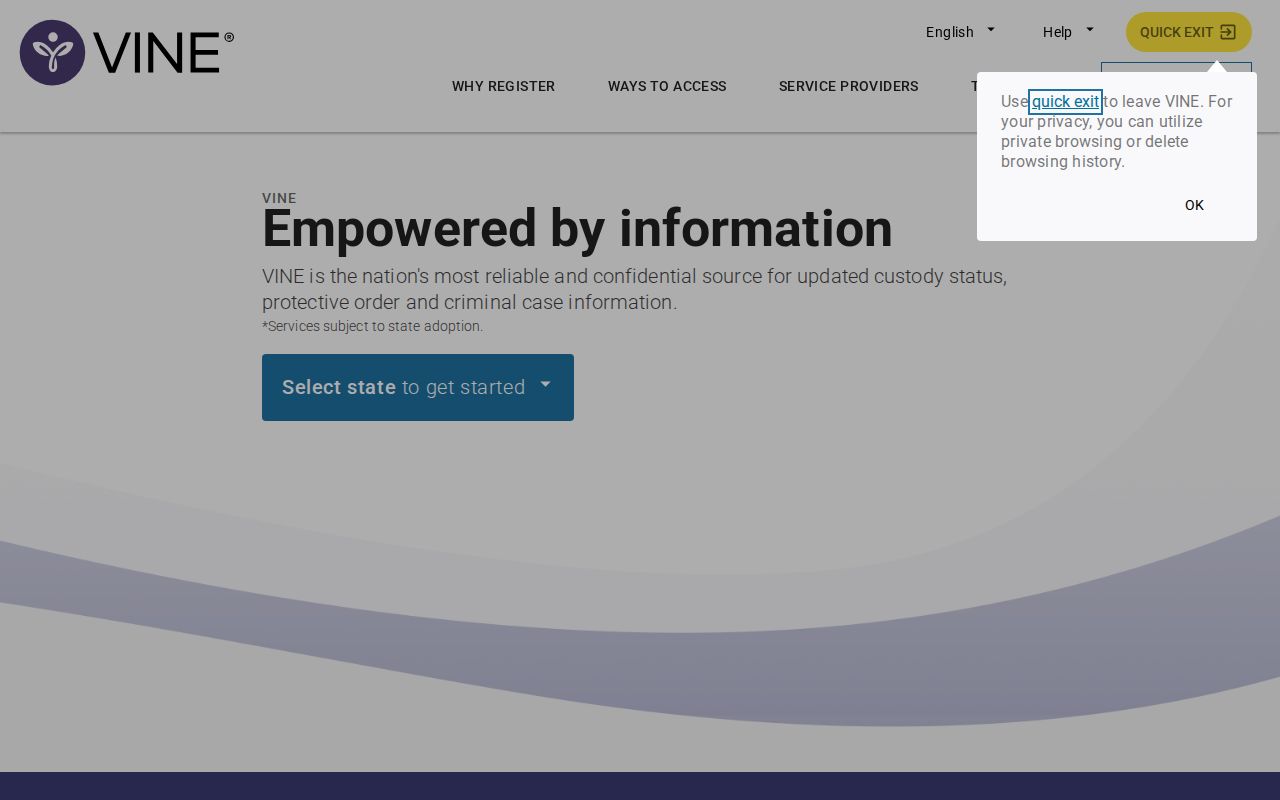
The VINELink service entry point is where you choose Wisconsin and begin a custody search.
Multiple matches demand care. Use an ID, age or birth information when lawfully displayed, plus the responsible agency or facility, to tell people apart. A name alone never supports a confident identification.
Chippewa VINELink Limits
Wisconsin VINE watches county jails. Its reach stops there. Federal custody works differently. The Bureau of Prisons runs its own locator for sentenced inmates, and ICE keeps a separate detainee lookup. The U.S. Marshals Service holds federal pretrial prisoners and posts no booking photos for them. If an arrest in Chippewa County turns into a federal transfer, a county VINE result can go stale fast.
VINE also has no memory of yesterday. It tracks who is in custody now, not who was booked and released last week. For fresh Chippewa County bookings, the sheriff's record still matters most. So do the police report and the court file. When a search comes up empty, the 24 Hour Arrests process is the natural fallback. The Chippewa County recent arrests hub maps out the rest of the records landscape.
Small glitches matter too. Misspelled names and data outages can hide an inmate. So can agencies that skip VINE. Moves to another county or state do it too. Call the office handling that stage of the case to confirm.
Custody Status Is Not Guilt
A VINE result only tells you where a person stands right now. Someone can be held before charges land. Release on bond can follow within days. A move to another jail happens just as fast. The county roster's offense lines sit at that same early stage of a case.
Note: For the legal outcome of any Chippewa County case, the court file is the authoritative source.
Building the full picture takes a few steps. Start with the arresting agency. Pull the report if you are entitled to it. Then follow the public case in WCCA/CCAP and request certified copies from the Clerk of Courts, using alerts purely to track custody changes as an arrest moves through the system.